As an Amazon Associate, we earn from qualifying purchases. Some links on this site are affiliate links at no extra cost to you. Our recommendations are based on thorough research and editorial judgment.


Understanding Bracketing Techniques for Aerial Images

Understanding bracketing techniques for aerial images is essential for capturing stunning photographs. We utilize exposure bracketing to take multiple shots with varying exposures, enhancing detail in bright highlights and dark shadows. Auto Exposure Bracketing (AEB) allows us to quickly capture these shots in rapid succession, ensuring crisp images from various altitudes. It’s important to manage our settings efficiently and practice beforehand to maintain stability during flights. By mastering bracketing, we can elevate our aerial photography skills. There’s so much more to explore!
Key Takeaways
- Exposure bracketing captures multiple images at varying exposure settings, enhancing details in highlights and shadows of aerial photos.
- Auto Exposure Bracketing (AEB) allows for quick firing of multiple shots, ideal for creating HDR images from bracketed sequences.
- Switch to Aperture Priority mode during AEB to maintain a consistent depth of field while preventing adjustments mid-flight.
- To merge bracketed images into HDR, use Photoshop’s “Merge to HDR Pro,” ensuring automatic alignment of images for a polished final product.
- Efficient storage management is crucial; offload images regularly and consider retaining all bracketed shots until post-editing is complete for optimal results.
What Is Exposure Bracketing and Why Is It Important for Aerial Images?
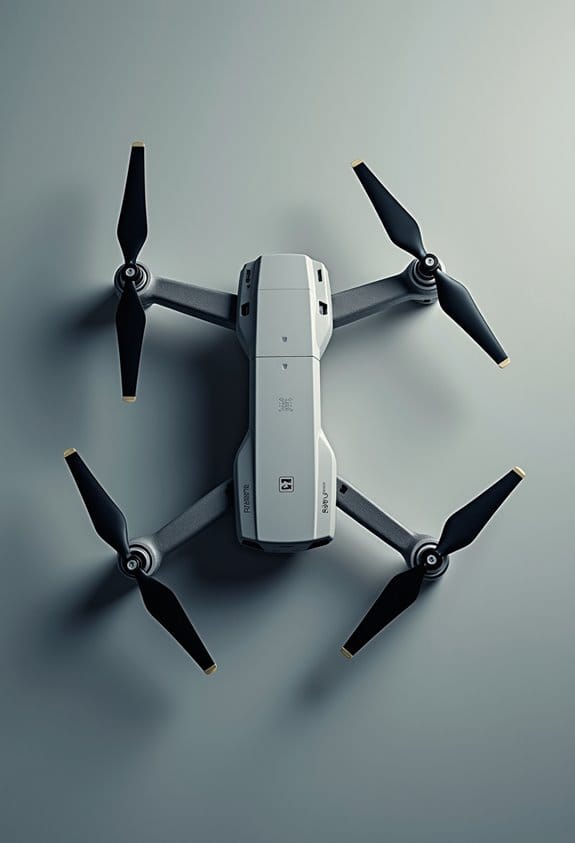
When it comes to aerial photography, one technique that really stands out is exposure bracketing. Essentially, exposure bracketing is all about taking multiple shots of the same scene but tweaking the exposure settings each time. This way, you can capture all the details in both the bright highlights and the dark shadows of your images. It’s particularly handy for aerial shots since the lighting can change from one moment to the next, especially as the altitude or angle of your drone shifts.
For instance, if you’re capturing a landscape with a bright sky and dark mountains, exposure bracketing can help you get the best of both worlds. By using Auto Exposure Bracketing (AEB), you can snap off 3-5 images in quick succession with different exposures. This technique helps you widen the dynamic range in your photos, making them look much more lifelike. Plus, you can layer these bracketed images later to create stunning HDR photos that balance those tricky lighting contrasts. Choosing drones with dynamic range enhancement capabilities can further optimize your aerial bracketing results.
Best Practices for Shooting Bracketed Images in Aerial Photography
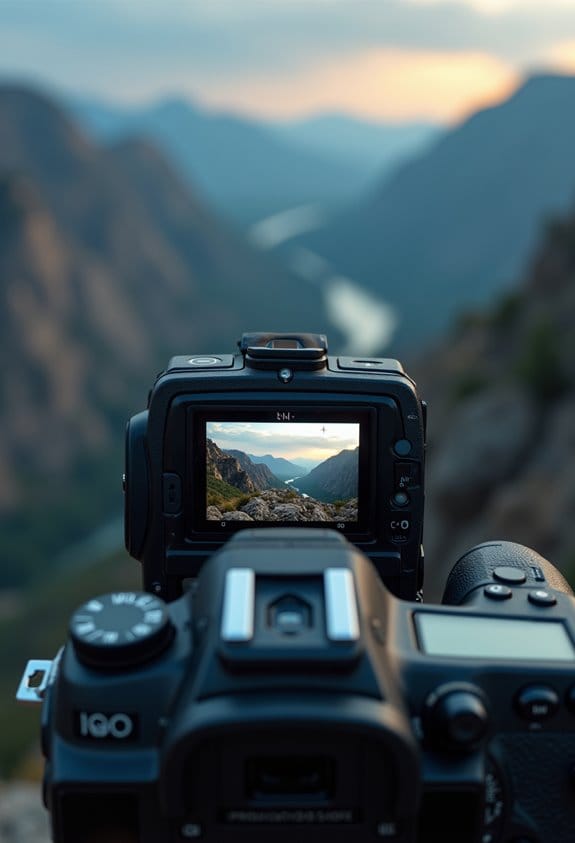
Hey there! If you’re looking to capture breathtaking aerial images through exposure bracketing, I’ve got some tips that can really boost your photography game. First off, using Automatic Exposure Bracketing (AEB) is a must. It allows you to snap 3 to 5 shots in quick succession, which is super handy, especially when lighting can change rapidly up in the sky.
Next, consider switching your camera to Aperture Priority mode. This keeps your aperture consistent across all photos, giving you a uniform depth of field. For example, if you’re trying to shoot a landscape with some interesting foreground elements, keeping that depth consistent will help tie your images together beautifully. Before you take off, it’s wise to practice your AEB settings on solid ground—adjusting them in mid-air can be a bit of a hassle!
Also, remember to keep your aircraft steady while shooting. Any motion can lead to blurry images, which doesn’t do your HDR processing any favors. Think of it this way: a steady shot makes each individual bracketed image sharper and cleaner for blending later on. And don’t forget to include some underexposed shots in your mix; these can truly reveal details that might otherwise get lost.
Using drones equipped with 3-axis gimbals can significantly improve stability during bracketed shots, ensuring smoother and clearer aerial images.
Key Exposure Settings for Aerial Photography
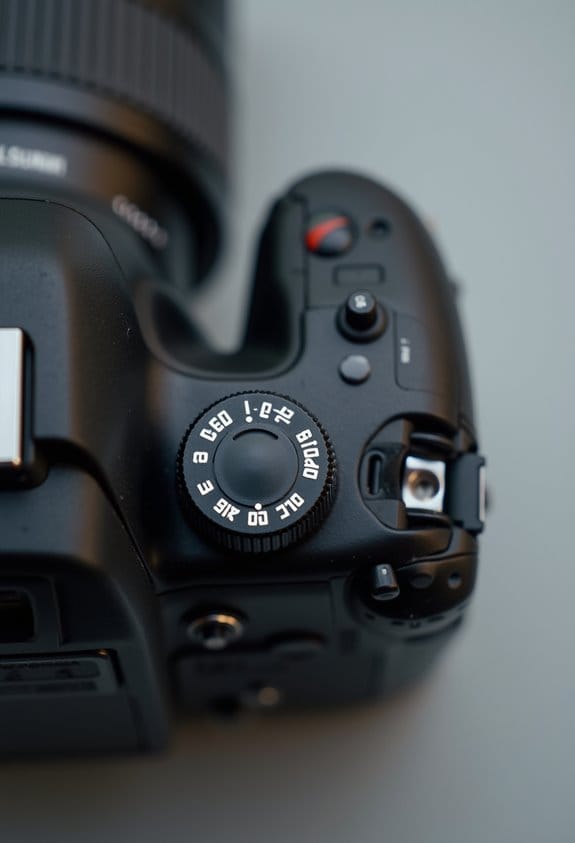
If you’re looking to capture incredible aerial photographs, understanding key exposure settings is a must. The light can change quickly when you’re up high, and knowing how to adjust to those shifts can really enhance your shots.
First off, let’s talk about Aperture Priority Mode. This setting lets you keep your aperture steady while you can play around with the shutter speed and ISO to get the right exposure. For example, if you want a nice blurry background while keeping your subject sharp, this mode can be really helpful.
Next, consider your shutter speed. To get those crisp aerial shots, aim for a shutter speed faster than 1/500 of a second. If you’re flying over a landscape with lots of movement, like trees or waves, a higher shutter speed can help reduce motion blur.
Another handy tool is Auto Exposure Bracketing, or AEB for short. This feature allows you to snap 3-5 shots at different exposure levels all at once. Let’s say you’re shooting a sunset and the light is tricky—you can capture one shot that’s well-lit, another that’s a bit darker, and one that’s brighter, giving you plenty of options to choose from later.
Finally, don’t forget about exposure increments. Adjusting in 1-stop or 1/3-stop increments can really help you adapt to varying lighting conditions. For instance, if you’re transitioning from bright sun to shade, these small adjustments will help you capture a wider dynamic range, ensuring you don’t lose detail in those brighter or darker areas.
Before you take to the skies, testing these settings on the ground can really save you time and stress when you’re in the air. Once you’ve got a handle on these basics, you’ll be ready to explore even more advanced techniques for capturing breathtaking aerial images! Using specialized equipment such as fireproof storage bags can also enhance your workflow by safeguarding battery-powered drones during transport and charging.
How to Merge Bracketed Images Into HDR?
Want to make your aerial photographs really pop? Merging bracketed images into an HDR (High Dynamic Range) photo is a fantastic way to achieve that stunning effect. So, let’s get started! First, open Photoshop and head over to File > Automate > Merge to HDR Pro. Here, you’ll pick your bracketed images as the sources. This allows Photoshop to blend the different exposures into one cohesive masterpiece.
Now, here’s a little tip: make sure you check the “Select” option in the HDR Pro dialogue. This will help align the images automatically, which is super important if there was any slight movement in your shots. No one wants to deal with pesky ghosting issues! Once you’ve merged everything, save your final HDR image in the 32-bit format. This way, you keep all the editing quality intact for any future adjustments.
Using specialized filters like an ND filter set can help balance exposure and minimize overexposure in your initial bracketed images, improving the HDR results.
With your HDR image ready, your aerial shots are now primed for sharing, or you can move on to post-processing to really enhance those colors and details. Happy editing!
Recommended Products

【6 Pack Snap On Drone Lens Accessories】 The kit for your drone gear includes 4 x Neutral Density filter (ND4/ND8/ND16/ND32), 1 x circular polarizing filter, and 1 x UV filter, compatible with DJI Mini 4K Drone with 4K UHD Camera for Adults/ Mini 2 / Mavic Mini / Mini SE / Mini 2SE and Fly More Combos, meeting various photography needs, from glare reduction to long exposure effects, as well as providing lens protection. Simple snap on design makes easy and swift filter attachment and dismounting

【3 Pack Drone Filter Set】 Compatible with DJI Mini 4K, Mini 2 SE, Mini SE, Mini 2, Mavic Mini and Fly More Combos, this circular polarizing neutral density drone filter set elevates your aerial photography and videography to a professional level. Each lens filter quickly snaps onto the camera and locks into place with a hook for secure attachment during flights

【Lightweight Design】 The filter frame is made of aviation aluminum alloy, and the edge of the frame adopts CNC non-slip design, which is easy to install and disassemble. It weighs only 1.2g without affecting drone calibration and balance.
Efficient Storage and Workflow Management for AEB in Aerial Photography
Hey there! If you’re into aerial photography, you know that efficient storage and workflow management for AEB (Auto Exposure Bracketing) can really help keep your post-production process smooth and quick. Imagine spending less time hunting for files and more time perfecting your shots!
First off, keep an eye on your SD card’s capacity. When you’re shooting multiple exposures—let’s say 3 to 5 for a single scene—you can fill that card up fast. To avoid any surprises, it’s a good habit to offload your images regularly. As you do that, why not delete any bracketed shots that don’t make the cut? This not only conserves space on your hard drive but also keeps your files organized and easy to navigate.
Speaking of organization, try setting up a solid naming system for your folders. For example, you could name folders by date and location, like “2023-10-01_Mountains.” This way, when you’re back at your computer, finding specific shots becomes a breeze. And since aerial images can be hefty in size, using an external hard drive or a reliable cloud backup will save your precious images securely.
It’s worth mentioning to hold on to all those bracketed shots until you finish your editing. You don’t want to miss out on any critical data for creating those stunning HDR images you love! With these simple practices, you’ll streamline your workflow and be ready for your next aerial adventure in no time.
Choosing a high-performance UHS-II memory card can also greatly enhance your shooting experience by providing faster write speeds and more reliable storage for your aerial photos.
Avoid These Common Aerial Exposure Bracketing Mistakes
When you’re getting into aerial exposure bracketing, it’s super important to steer clear of some common pitfalls to really elevate your photography. For starters, stabilizing the aircraft while shooting is key; if the drone is wobbling around, you can end up with blurriness or misaligned images that are tough to salvage. Imagine capturing a breathtaking landscape only to find that the slight tilt makes it unusable—that’s a letdown!
Also, you want to make sure you’re using a good range of exposure variations. Sticking to just a few, like one stop up and down, can really limit how much detail you capture, especially in scenes with strong contrasts like a sunset over mountains. Ideally, aim for a range of at least -2 to +2 stops. This way, you’re covering all your bases, and when you blend those shots later, the details will pop beautifully.
Don’t forget to practice a bit before your flight! Getting familiar with your camera settings can save you a ton of time when you’re in the moment. Plus, keep an eye out for changing light conditions—if the sun shifts, it can really throw off your exposure if you’re not adjusting as you go. And remember, when it comes to Auto Exposure Bracketing (AEB), choosing the right number of shots can make a difference. You don’t want to go overboard and hog your storage, so find that sweet spot based on your scene.
Ensuring your drone uses compatible propellers can greatly enhance flight stability, which is crucial for capturing sharp aerial images.
Recommended Products

Dedicated for Air 3: ND lens filter is designed specifically for Air 3 drones, providing morespace for photography and clearly documenting beautiful scenery.

【Color & Contrast Enhancement】This CPL filter is specially design for DJI NEO Drone. It enhances color saturation and contrast, while eliminating glare from reflective objects, such as the surface of water on a lake or stream. Allowing you to capture professional-quality aerial images and videos with your drone.
Further Reading and Resources for Aerial Photography Bracketing
Hey there! If you’re getting into aerial photography bracketing, let me share some useful resources that can really sharpen your skills. A good starting point is Digital Photography School. They have some great articles and tutorials specifically focused on exposure bracketing techniques that apply directly to aerial photography.
Another solid resource is Flitelab. They dive into the nitty-gritty of drone settings, offer tips for keeping your shots stable, and share best practices for bracketing. For instance, understanding how automatic exposure bracketing (AEB) works is crucial. It helps you capture a wide range of light and detail, which is especially important when you’re shooting landscapes from above—think of those sunrises or sunsets with bright skies and dark terrains.
Once you get the hang of these concepts, you’ll notice a significant boost in both your photography and your post-processing skills. It’s about making those images pop! Additionally, using tools with adjustable features like telescoping handles can improve handling and efficiency during outdoor photography sessions. Now that we’ve covered some resources, let’s move on to how to actually set up your drone for optimal bracketing.
Frequently Asked Questions
What Are the Different Types of Bracketing?
There’re several types of bracketing we can use, like exposure bracketing, which captures different lighting levels, and focus bracketing, varying the focus point for enhanced sharpness. Both improve our images considerably during editing.
What Are 5 Bracketed Photos?
Five bracketed photos consist of images captured at different exposure levels: -2, -1, 0, +1, and +2 stops. This technique enhances image quality by ensuring all tonal details are preserved for better final results.
What Are the Best Settings for Bracketing?
Like a painter blending colors, we should set our exposure settings to AEB for a trio of shots. By mastering manual controls, we can illuminate details hidden in shadows and highlights, creating an enthralling image.
How to Interpret Aerial Photographs?
To interpret aerial photographs, we analyze the image layers, focusing on patterns, textures, and color variations. By understanding shadows and landforms, we gain insights into geographical features and the surrounding environment.