As an Amazon Associate, we earn from qualifying purchases. Some links on this site are affiliate links at no extra cost to you. Our recommendations are based on thorough research and editorial judgment.

How Terrain Following Mode Works in Advanced Drones

In advanced drones, terrain following mode lets us navigate complex landscapes by adjusting altitude based on terrain data. We activate this feature through settings and store vital data on microSD cards. By using flight modes like AUTO, our drones avoid obstacles, maintaining consistent height for better mapping and aerial imagery. It’s important to regularly download terrain data to guarantee altitude accuracy. If you’re curious about how this technology enhances our flying experience, there’s much more to explore.
Key Takeaways
- Terrain following mode adjusts a drone’s altitude based on pre-stored terrain data to navigate complex landscapes safely.
- The mode requires enabling the TERRAIN_FOLLOW parameter and obtaining a GPS lock for effective operation.
- Integrated look-ahead technology provides smoother flight paths by anticipating terrain changes ahead of the drone.
- Regular updates of terrain data ensure altitude accuracy, relying primarily on the SRTM database for elevation information.
- This technology enhances safety by automatically avoiding obstacles and stabilizing flight during low-altitude missions.
Understanding Terrain Following Technology
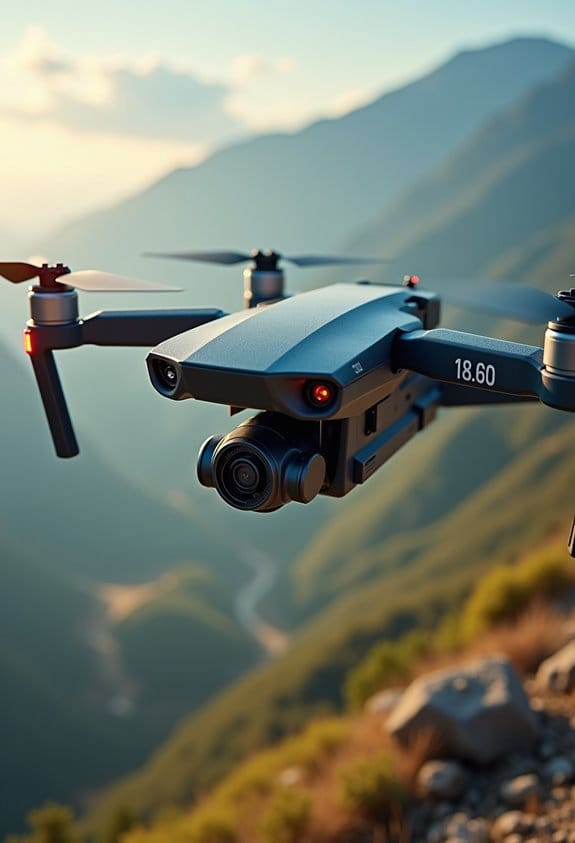
You know, when we talk about terrain following technology, it’s all about how drones can navigate tricky landscapes without crashing into things. Imagine a drone flying over a forest; this technology helps it figure out how high to fly based on detailed terrain data stored on a microSD card. This data tells the drone the heights of various landmarks—like trees and hills—so it can adjust its altitude and glide smoothly above them.
To make it work, drones use different flight modes, such as RTL (Return to Launch), LOITER, and AUTO. You can activate the terrain following feature by setting the TERRAIN_FOLLOW parameter, which basically gets the drone ready to dodge obstacles. For instance, if you’re controlling a drone in a hilly area, it can automatically raise its altitude to steer clear of sudden drops or steep inclines. Just keep in mind, it should be flying at least 60 meters above ground level to ensure it has solid data for navigation.
Having a solid GPS lock is crucial, too. It ensures that the terrain following technology functions smoothly, keeping the drone on track and away from hazards like buildings or those unexpected trees you might not see on the map. This tech opens up new possibilities for drone flights, allowing them to explore areas more freely and safely than ever before. Exciting, right? Many advanced drones designed for aerial photography also incorporate GPS-based auto-return features to enhance flight safety when using terrain following mode.
Recommended Products

【2K HD Camera & 5G Real-Time Transmission】 Capture crisp 2K high-resolution photos and videos with smooth 5G Wi-Fi transmission for a stable, real-time viewing experience by using Scrubuz drones. Thanks to the 90° electric adjustable camera with 110° wide-angle lens, allowing you to achieve more vast landscapes, which can be saved to the Micro SD card not exceed 64GB or directly on your mobile device.

【4K UHD Camera & 120° wide-angle & 90° adjustable】UHD 4K Camera ensures shooting 4096 x 3072P high resolution images. Combined with 120°wide-angle and 90° adjustable lens, it brings you an immersive flying experience like never before. (Suport SD card)
Critical Setup Steps for Optimizing Terrain Following in Drones

If you want to get your drone flying smoothly in terrain following mode, there are a few key setup steps you should definitely keep in mind. First off, check that the TERRAIN_FOLLOW parameter is switched on for flight modes like AUTO, LOITER, and RTL. This basically tells your drone to adjust its altitude based on the ground below, which is pretty nifty!
Before you take off, it’s a good idea to consult your ground station to request terrain data via MAVLink. Make sure your GPS is locked in—this ensures that the data transfer is spot-on. Once you have the terrain data, store it on the drone’s microSD card; this lets you cover a chunk of 7km by 8km even if you lose connection while flying.
Also, think about assigning an RC switch to the RCx_OPTION parameter set to 86. This makes it super easy to toggle terrain following on and off during your flight. Lastly, don’t forget to regularly download terrain data tiles; doing this helps keep your altitude readings accurate when you’re out flying.
With these setup steps, you’ll be well on your way to making the most out of your drone’s terrain following capabilities. Now, let’s talk about how the choice of sensors can further enhance your flight performance! Incorporating an omnidirectional vision system can significantly improve obstacle detection and terrain adjustments while in flight.
Recommended Products

GT-U7 main module GPS module using the original UBLOX 7th generation chip, Software is compatible with NEO-6M. GT-U7 module, with high sensitivity, low power consumption, miniaturization, its extremely high tracking sensitivity greatly expanded its positioning of the coverage;

Small size, compatible with 2-7 inch traversal Drone on the market

With a USB interface, you can directly use the phone data cable on the computer point of view positioning effect; With IPEX antenna interface, the default distribution of active antenna, can be quickly positioned;
Flight Modes That Leverage Terrain Following
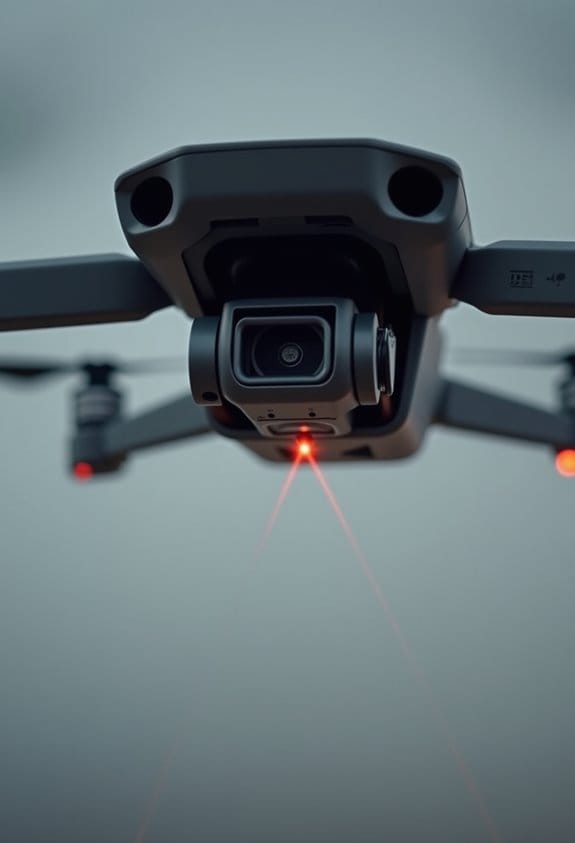
Hey there! You know how terrain following really boosts a drone’s abilities? It makes flying a whole lot smoother and smarter. When you turn on the TERRAIN_FOLLOW feature, your drone can adjust its altitude based on the land it’s flying over, rather than sticking to a fixed height. This comes in handy for different flying modes, like RTL (return to launch), LOITER, or even AUTO.
Picture this: you’re on a scenic flight, and your drone is zipping along when it suddenly encounters a hill. With terrain following activated, it’ll automatically rise to avoid the obstacle, making your flights much safer, especially on tricky landscapes. Plus, you can set up an RC switch to toggle terrain following on and off, which lets you adapt your flight path to whatever you’re flying over.
Isn’t that neat? This way, whether you’re capturing stunning aerial shots or just enjoying a peaceful flight, your drone’s got your back. It’s all about making the most of the environment while keeping safety in mind. To ensure your equipment stays protected in challenging weather during these flights, consider using waterproof rain cover bags designed for outdoor gear. Now, if you want to explore how to set up those auto waypoints, let’s dive into that next!
Benefits of Terrain Following for Drone Flights
Hey! Have you ever thought about how terrain following technology can really change the way we fly drones? It’s pretty cool when you think about it. This technology helps us maintain a steady height above the ground, no matter how bumpy or hilly it is. So, when we’re capturing photos from the air, we get those beautiful, consistent shots that look great every time.
Another awesome aspect of this tech is how it helps us steer clear of obstacles. Imagine flying back to where you launched, but there’s a huge tree or a steep hill in the way; with terrain following, the drone can adjust automatically to avoid those hazards, making the whole process safer. Plus, by keeping a consistent altitude, we also lower the chances of bumping into things, especially in areas where the landscape shifts a lot.
And here’s a little insider tip: if you’re mapping an area, the ability to adjust your altitude based on what’s below makes your life a lot easier. You can gather data more effectively, ensuring that the images overlap perfectly for accurate results. So, with terrain following, we not only complete our missions more efficiently but also get better data in the end. It’s a win-win! Isn’t it fascinating how technology can help us in staying safe and capturing amazing content?
Many drones equipped with GPS navigation features use terrain following to enhance flight safety and precision.
Sources of Terrain Data and Their Accuracy
Hey there! So, when it comes to flying drones safely above different kinds of terrain, having accurate terrain data is super important. One of the main sources we use is the SRTM database, which gives us elevation information. This data isn’t perfect—it has an accuracy range of about 10 to 20 meters—but it’s crucial for keeping our drones safe, especially during low-altitude flights. Just imagine if your drone suddenly dipped because the terrain data was off!
Before we take to the skies, we can easily download terrain data using ground stations like Mission Planner or MAVProxy. This way, we ensure we’re equipped with the latest information for our flight. If we’re not connected to a control station, the autopilot system does a handy job of figuring out the terrain elevation based on waypoints. So, whether you’re planning a scenic flight over hills or mapping an area, knowing your drone’s altitude relative to the ground is key for a smooth operation.
To improve image quality during these flights, many drone operators use multi-coated filters to reduce glare and enhance clarity in their aerial photography.
Next time, let’s chat about how to interpret that terrain data and use it to make informed decisions on the fly!
Recommended Products
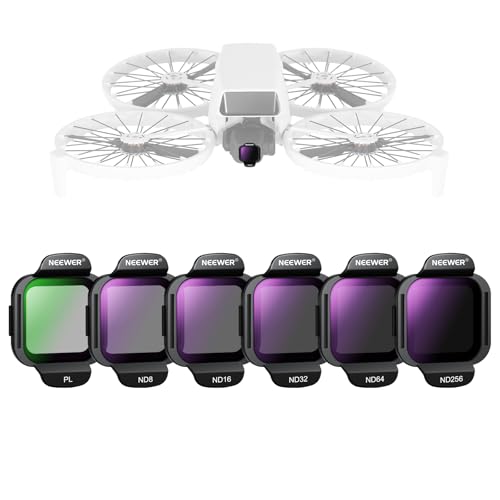
【Compatible with DJI Flip / Lito X1】 This drone gear accessories set is compatible with DJI Flip and Lito X1 Drone. It includes five neutral density lens filters (ND8, ND16, ND32, ND64, ND256) and a PL filter to elevate aerial photography and videography as content creator essential and influencer must have

【Compatible with DJI NEO Drone】Compatible with DJI Drone NEO, this filter accessory kit includes an ND8/PL filter, an ND16/PL, an ND32/PL and an ND64/PL for professional aerial photography and videography as essential equipment for content creators and indispensable equipment for influencers

【3 Pack Drone Filter Set】 Compatible with DJI Mini 4K, Mini 2 SE, Mini SE, Mini 2, Mavic Mini and Fly More Combos, this circular polarizing neutral density drone filter set elevates your aerial photography and videography to a professional level. Each lens filter quickly snaps onto the camera and locks into place with a hook for secure attachment during flights
How Terrain Look-ahead Features Boost Safety
Have you ever heard of the Terrain Look-ahead feature for drones? It’s a pretty cool tool that can really boost safety when flying in different landscapes. This feature lets us see changes in the terrain up to 2000 meters ahead of us, which means we can prepare for any elevation changes and avoid potentially dangerous ground collisions. Think of it like having a bird’s eye view of what’s coming up, allowing us to make smoother climbs on our flights.
This feature works best in AUTO mode, where the drone can automatically adjust its flight path and climb rates. For example, if you’re flying over hilly terrain, the drone can rise gently before hitting a steep incline, which keeps everything safe and controlled. Plus, you can customize the look-ahead distance based on the terrain you’re flying over. This is super helpful when flying low to the ground – it reduces the load on the pilot while ensuring that we stay safely above obstacles.
Incorporating the Terrain Look-ahead feature doesn’t just enhance safety; it can also help us complete our missions more efficiently. With less manual input needed during tricky low-altitude segments, pilots can focus more on other important tasks. It’s a smart choice for anyone serious about flying drones safely and effectively. Ready to explore how to apply these features in real-time situations? Using drones with advanced stabilization technology can further improve flight control during complex terrain navigation.
Recommended Products

4.5 HD LCD RC Screen: GPS Drone with camera adults remote features a built-in 4.5" HD LCD screen, eliminating phone pairing. With this GPS drone, sunlight readable live video streaming with flight data overlay. Real-time viewing ensures confident control.
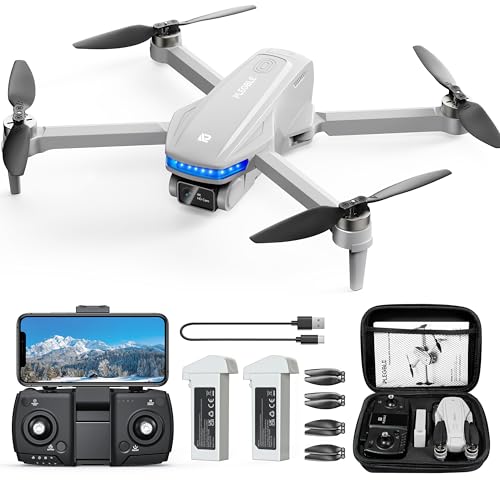
Smart GPS Functions: The professional drone is equipped with an advanced GPS module for safer, more reliable flights. It automatically returns to its takeoff point if it loses signal or runs low on battery—so you won’t have to worry about it flying off unexpectedly. Designed for pilots of all skill levels, it’s easy to control and packed with fun features like GPS Auto Return, Follow Me, Waypoint Flight, and Circle Fly. Explore more flight options and take your drone experience to the next level
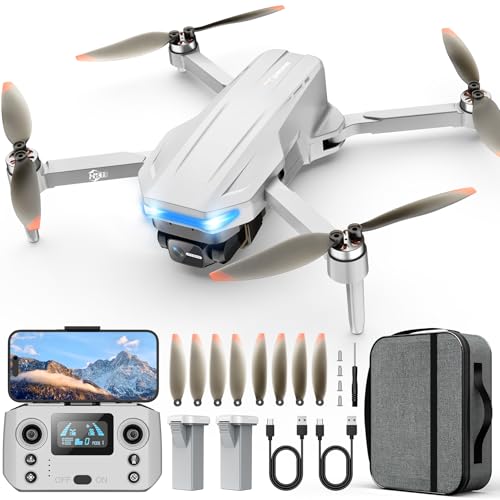
【Intelligent GPS Technology】With the advanced GPS module, our Oddire drone with camera will automatically return home when battery runs low or the connection breaks up, so you’ll never worry about losing it. Besides Auto Return, other intelligent flight features like GPS Follow, Route Planning, and Fly Around simplify operation and allow even beginners to capture stunning and professional footage.
Frequently Asked Questions
How Does Terrain Following Work?
When we think of terrain following, it’s like a superhero for drones! Through terrain mapping, it swiftly adjusts altitude, ensuring we navigate safely over varying landscapes while effortlessly avoiding obstacles. Isn’t that remarkable?
What Is Follow Mode on a Drone?
Follow mode on a drone utilizes advanced features and follow mechanisms to autonomously track subjects, maintaining distance and altitude. It enhances our flying experience, making it perfect for capturing dynamic scenes effortlessly and with precision.
Why Are DJI Drones Being Banned in the USA?
DJI drones are being banned in the USA due to security concerns surrounding surveillance capabilities. Government policies aim to address potential data privacy issues, prompting strict regulations to protect national interests and prevent unauthorized access.
Can Drones Automatically Follow You?
Like loyal companions, drones can automatically follow us. With impressive drone capabilities and autonomous tracking, they adapt to our movements, creating a seamless connection as we navigate through landscapes, capturing moments without missing a beat.