As an Amazon Associate, we earn from qualifying purchases. Some links on this site are affiliate links at no extra cost to you. Our recommendations are based on thorough research and editorial judgment.


What Is Mission Planning Software and How to Use It

Mission planning software is essential for organizing and executing aerial and space missions. It helps us break down complex tasks, enhancing team collaboration. With user-friendly interfaces, we can easily create missions with features like route planning and real-time telemetry monitoring. These tools improve decision-making and situational awareness during missions. We can also analyze data post-mission to refine our strategies. If you stick around, we’ll explore more about how to choose and use this powerful tool effectively.
Key Takeaways
- Mission planning software assists in mapping aviation and space missions, enhancing coordination and breaking down complex tasks into manageable steps.
- It features user-friendly interfaces for mission creation, allowing easy adjustments and real-time monitoring of telemetry data for situational awareness.
- Essential functionalities include route planning, automated data generation, and integrations with flight simulators for practice and training purposes.
- To use the software, load firmware into autopilot, set vehicle parameters, and plan missions through an intuitive point-and-click interface.
- Post-mission analysis utilizes logged data for performance evaluations and continuous improvement, supporting data-driven decisions for future missions.
Understanding Mission Planning Software: Importance and Applications
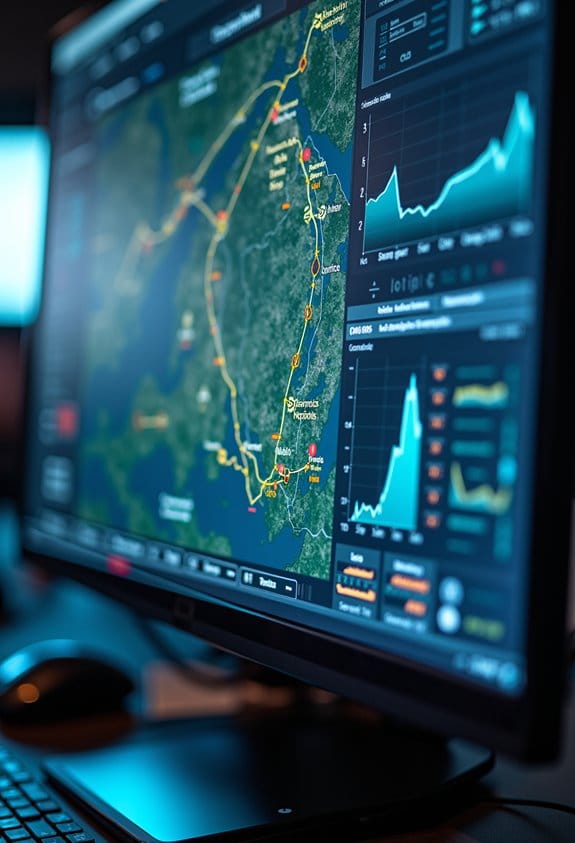
Hey there! Let’s chat about Mission Planning Software, or MPS for short. It’s pretty cool how important MPS has become in areas like aviation and space exploration. Think of it as a high-tech assistant that helps teams map out their missions smoothly and efficiently. By breaking down complicated tasks into smaller, manageable pieces, everyone can stay on the same page and focus on what matters most.
One great thing about MPS is its modular design. This means it can easily adapt to various types of operations, whether you’re planning a simple flight or a complex space mission. For example, MPS can integrate with different hardware models, ensuring that all activities are synchronized and well-organized. Plus, it comes with visualization tools that allow mission planners to simulate real-life scenarios, making it much easier to anticipate challenges.
In essence, MPS takes a lot of the stress out of mission planning, allowing teams to concentrate on their goals. And with that, we can see how this software isn’t just about planning; it also plays a key role in decision-making and risk assessment. Additionally, mission planning software often includes advanced algorithms that facilitate navigation through complex solution spaces for optimal trajectory selection. Shall we go into how all of this comes together in practical mission scenarios next?
Key Features of Mission Planning Software

So, let’s chat about Mission Planning Software, or MPS for short. It’s really a cool tool that makes planning missions not only easier but also more effective. Think of it like a digital assistant that helps you map out everything from straightforward tasks to complicated operations with ease. You just point and click your way through—no technical mumbo jumbo.
One of the neat features of MPS is its advanced analytics. It allows you to visually see the data and evaluate how past missions turned out. This means you can tweak things for next time based on what worked or didn’t. For example, if a particular route was risky during a previous mission, you can avoid it in the future.
Another useful aspect is the way it keeps you aware of what’s happening in real time. MPS can monitor telemetry, which is basically tracking data from the mission as it unfolds. Plus, it hooks up with flight simulators for practice runs, ensuring you’re prepared for the real deal before you set off. All these features work together to make sure your missions go smoothly and efficiently. Many users also benefit from integrating high-speed memory cards to store extensive mission data without interruption.
Choosing the Right Mission Planning Software?
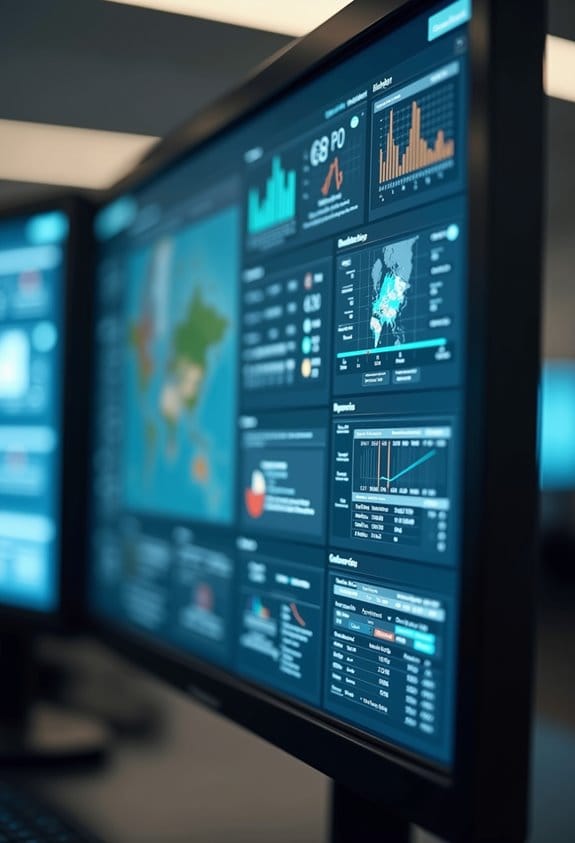
So, you’re on the hunt for the right mission planning software, huh? First off, it’s essential to make sure it plays nicely with your current systems and hardware. You don’t want to pick something that causes headaches during setup!
Start by checking out the features it offers. You’ll want tools like route planning, data generation, and automation to help you work more efficiently. For instance, if you need to create a mission plan quickly, a software with strong route planning features can save you a ton of time.
Next, consider the user support aspect. Having access to good documentation and community forums can be a lifesaver if you run into any issues. Imagine you’re stuck on a problem and find a helpful forum where someone else has already shared the solution—that’s the kind of support you want.
Scalability is another aspect to think about. Your mission planning needs might start small, but they could grow into something larger. It’s important to ensure that the software can handle both simple missions and more complex, multi-client operations without a hitch.
Lastly, look for software that uses advanced technologies like AI. This can help with real-time data analysis and automatic target recognition, making your missions more effective and safer.
Also, integrating software with GPS functions such as auto-return can enhance safety during drone operations.
Once you’ve thought through these factors, you’ll be better equipped to choose the right mission planning software for your needs. Now, let’s chat about the next steps in integrating and implementing your chosen software!
Step-by-Step Guide to Utilizing Mission Planning Software
Hey there! Let’s chat about how to use mission planning software effectively. It all starts with getting familiar with some crucial steps that can really make your workflow smoother and boost your mission success. First off, you’ll want to load the firmware into your autopilot boards, like Pixhawk. It’s kind of like the software that helps your drone or vehicle understand how to operate properly.
Once that’s done, you’ll set the vehicle parameters. This might include adjusting settings like flight speed or altitude to make sure everything runs perfectly during your mission. Just imagine tweaking the controls on a video game to get that high score – only in this case, you’re working towards achieving a successful mission.
After you have your vehicle prepped and ready, you can plan your mission using the software’s easy point-and-click interface. It’s super straightforward, like dragging and dropping items into place on your computer. When your mission is complete, take the time to analyze the logs generated by your autopilot. It’s similar to looking back at your game stats to see where you can improve. You can spot performance areas that need tweaking, which is super helpful for your next mission.
And if you happen to run into any hiccups or just have some questions, don’t forget about the community forums and the built-in help icon. They can be real lifesavers, offering tips from others who have faced similar challenges. Plus, keep an eye out for regular software updates, including BETA options; they introduce new features that can really enhance your mission planning. With that, you’ll always feel prepared and confident as you gear up for your next adventure!
For optimal safety and usability during field operations, consider storing your drone and related gear in a hard shell carrying case to ensure protection from environmental hazards.
Integrate Mission Planning Software Seamlessly
Integrating mission planning software into our workflows can really boost how we manage autonomous vehicle operations. Imagine being able to configure and tune vehicles effortlessly— that’s what the Plug and Play feature of MPS offers! It works smoothly with our current hardware, making automated mission planning and execution a breeze.
One great thing about this software is real-time data generation. It helps us make quicker decisions and keeps our operations safer. Think about it: if we’re on a mission and suddenly face unexpected weather conditions, real-time data can guide us on the best path to take. Plus, AI analytics can help validate our strategies, ensuring we’re on the right track.
Another cool aspect is how it handles mission data, like video streams, which really boosts our geospatial awareness. For instance, if we’re mapping a large area, having those visuals can help us make more informed choices about where to focus our resources. All these features really help increase our chances of mission success, allowing us to adapt swiftly and work more efficiently during those critical moments. So, as you can see, this software is not just about technology—it’s about improving our approach to complex operations. Additionally, ensuring weather-resistant hardware enhances the reliability of remote data collection and mission continuity under various environmental conditions.
Best Practices to Enhance Efficiency With Mission Planning Software
Hey there! You know, maximizing the efficiency of our mission planning software can really boost how we operate and make decisions. For instance, the point-and-click interface of our Mission Planning System allows us to create missions pretty effortlessly. Imagine being able to adjust flight paths with just a few clicks—it’s as easy as dragging and dropping!
Another cool feature is the automated data generation. This lets us analyze real-time information and make instant corrections if things don’t look quite right. Picture this: while you’re planning a mission, the software pulls in real-time flight data and can flag any discrepancies for you to address right on the spot.
It’s also great that we can incorporate training tools within the software. This means our crew can sharpen their skills while the system takes care of routine tasks. So, instead of stressing about the nitty-gritty, they can concentrate on the bigger picture.
And don’t forget about post-mission analysis! Regularly examining the data we log helps us spot areas for improvement, ensuring we’re always getting better.
Plus, thanks to the modular framework, we can easily tweak configurations for different mission types. So if we’re switching from a reconnaissance mission to a search-and-rescue operation, it’s all about quick adjustments rather than starting from scratch. That’s how we keep things efficient and adaptable.
Understanding these tools opens up so many possibilities for refining our planning process and enhancing our overall effectiveness. Additionally, using durable materials in hardware components ensures long-lasting reliability throughout operations. Now, let’s explore some specific features that make this software stand out even further!
Frequently Asked Questions
What Is the Mission Planner Software Used For?
When we commence our autonomous journeys, mission planning tools help us configure and optimize our vehicles. Together, we’ll experience the benefits of software while steering through potential compatibility issues, ensuring smooth, efficient missions every time.
What Is a Mission Planning System?
A mission planning system enhances our operational efficiency by providing essential tools for organizing missions. With features like real-time validation and resource management, we can streamline planning, assess risks, and reap significant mission planning benefits.
How to Use Mission Planner Ardupilot?
To use Mission Planner, we’ll explore its capabilities, design mission planning strategies, and leverage Ardupilot features. By following the user-friendly interface, we can effectively plan, configure, and monitor our autonomous missions.
Is Mission Planner Free?
Yes, Mission Planner’s free! We enjoy its robust software features, and user reviews highlight its value without any mission costs. It’s an excellent choice for anyone looking to manage autonomous vehicles without financial burden.